
Playery Download
On air

Video playback for any screen.

Films, live web pages and cameras. Cue in Preview, take to Program. Scheduled, unattended, or from your phone.

macOS 12 or later · Apple silicon and Intel

On the wall

One Mac, any screen.

Projectors, LED walls, TVs and monitors. Wherever a show needs pictures.

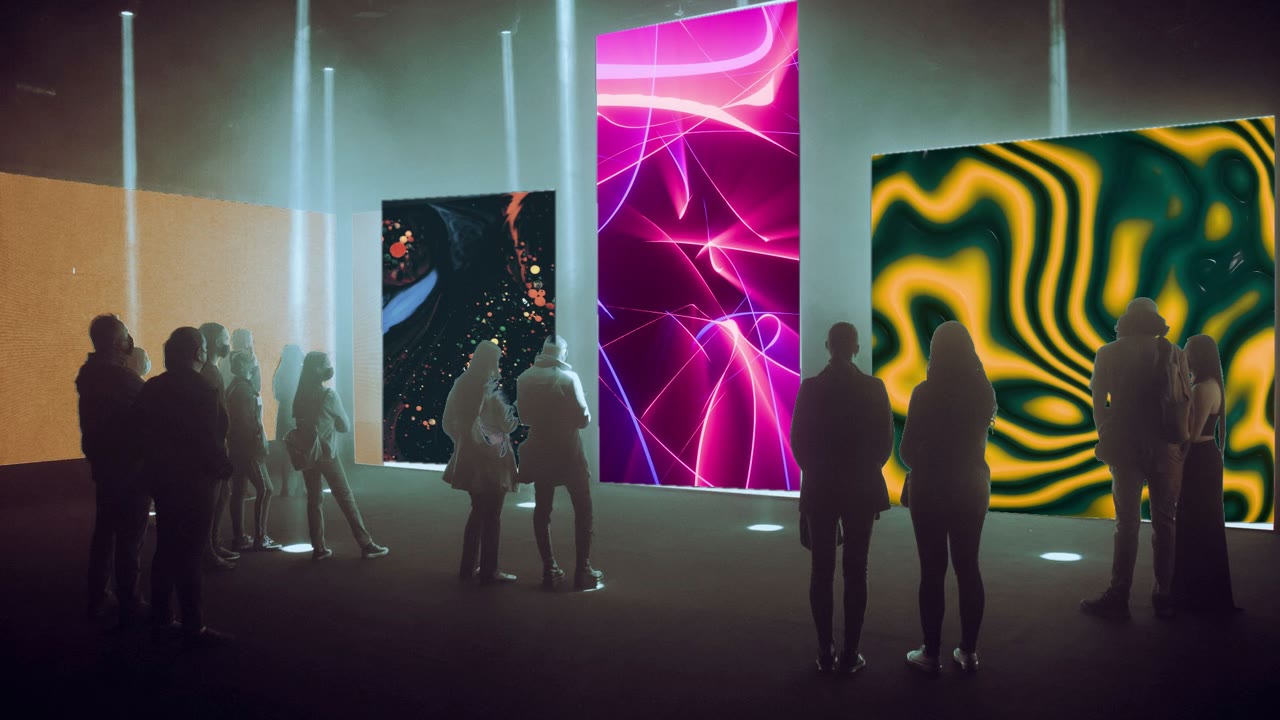
Visitors in a dark gallery before three screens of video art
GalleriesVideo art on every wall
A concert stage with LED screens and light beams over the crowd
ConcertsVisuals behind the band
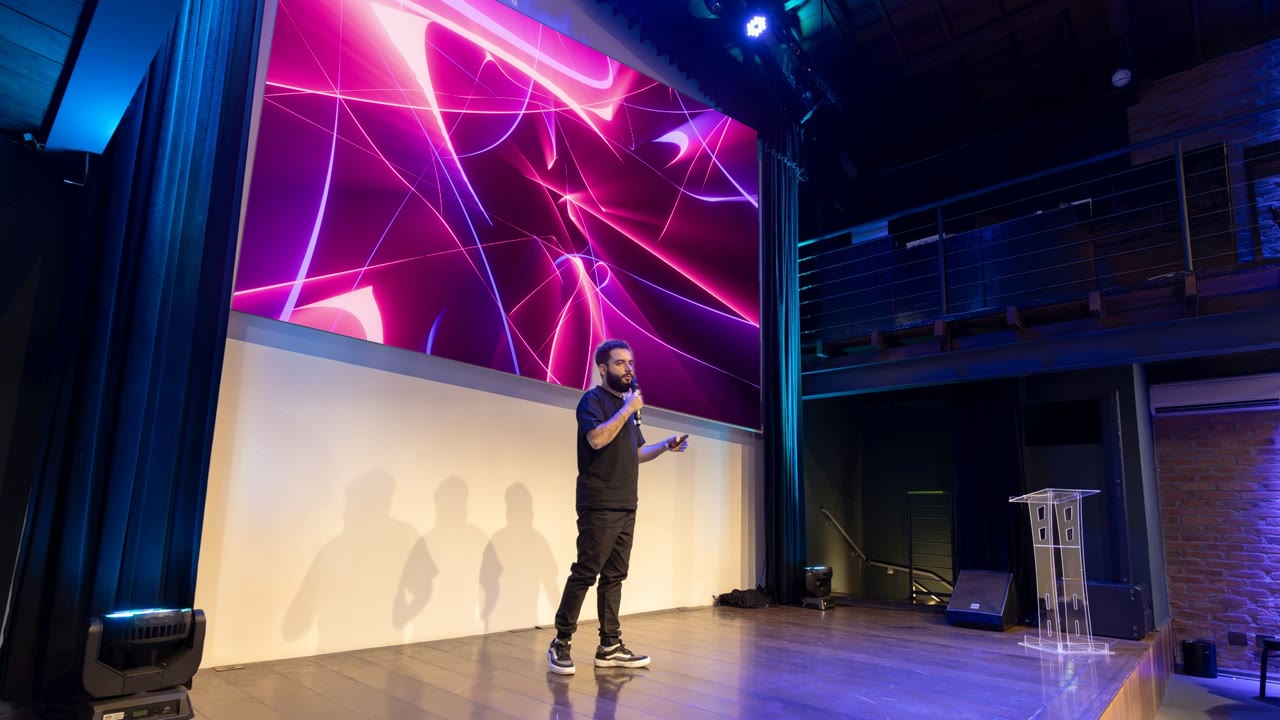
A speaker on stage before a large projection
Stages and theatresBackdrops, cued live
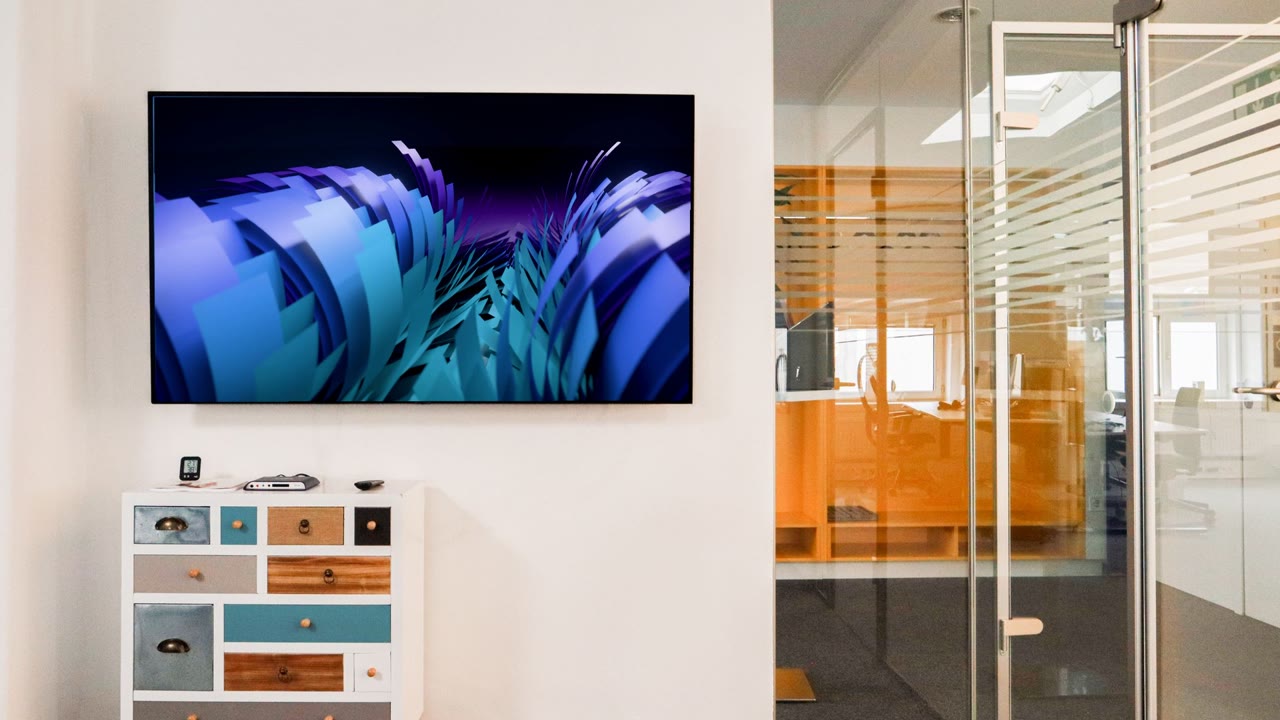
A screen on an office wall playing a loop
Offices and lobbiesSignage on a schedule
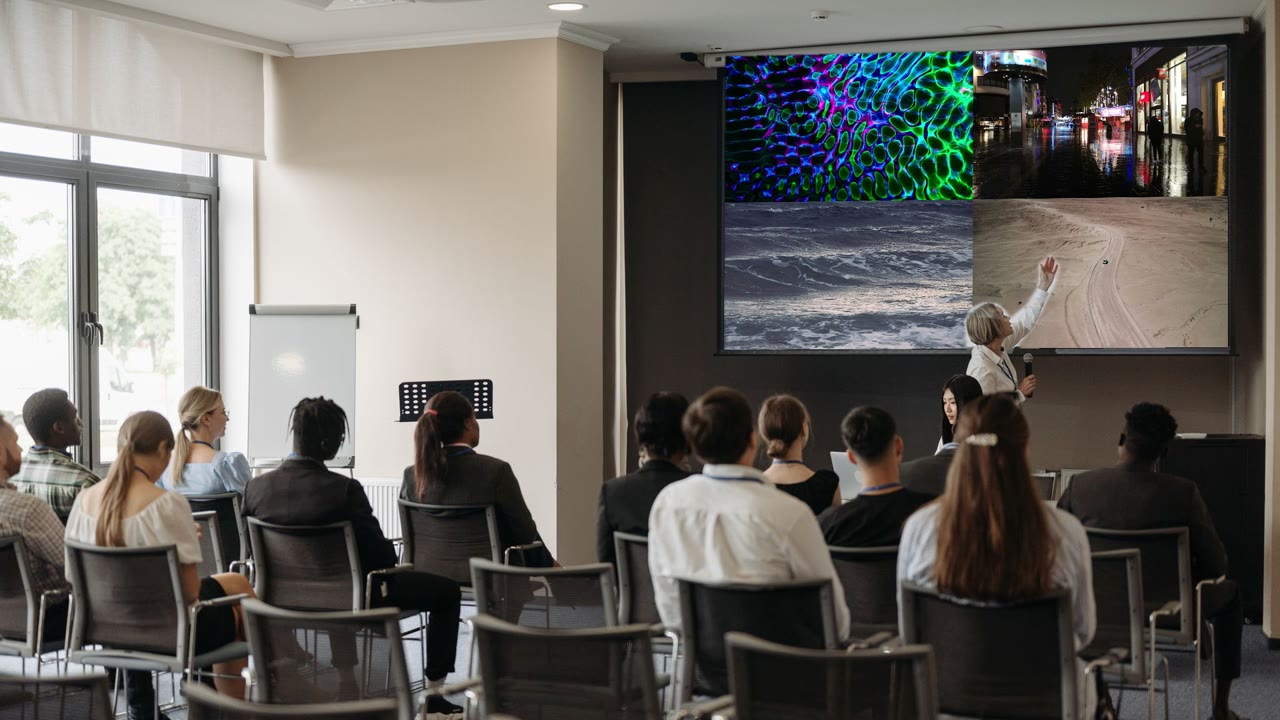
A presenter before a projection split into four videos
ConferencesFour feeds on one screen
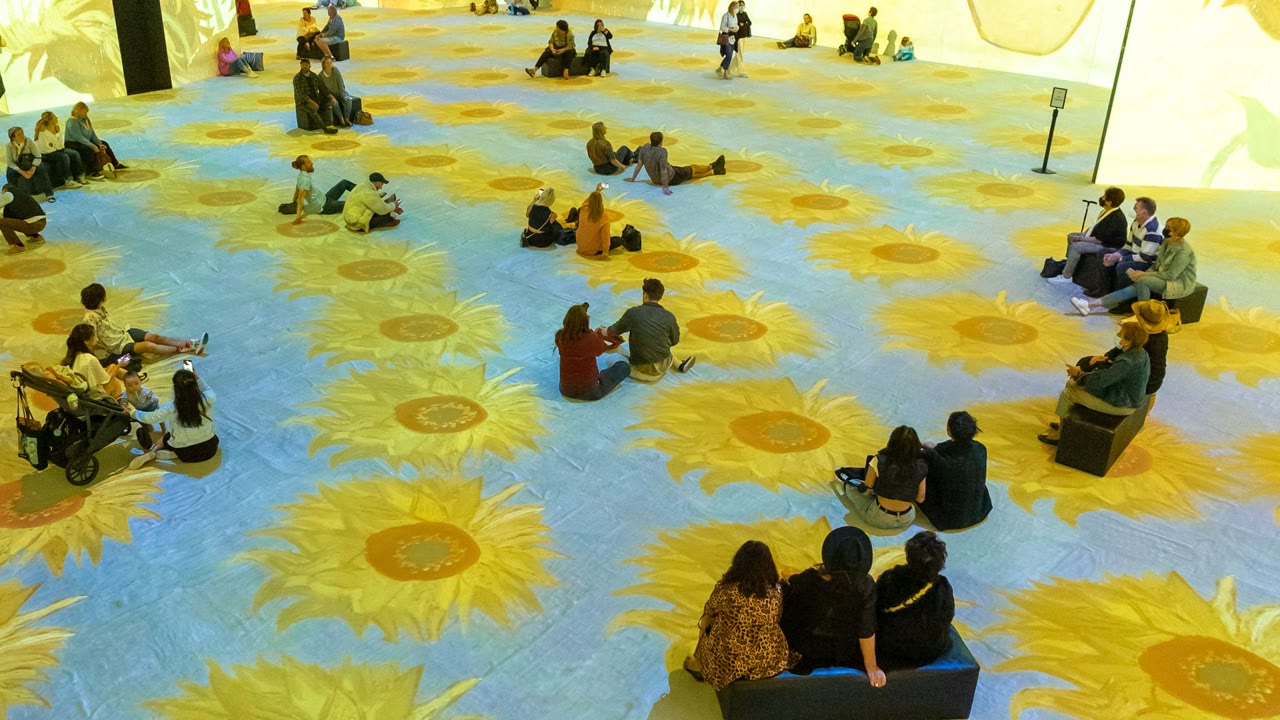
People sitting in a room with sunflowers projected on the floor
Immersive roomsProjection on walls and floors
Preview

Preview, then take.

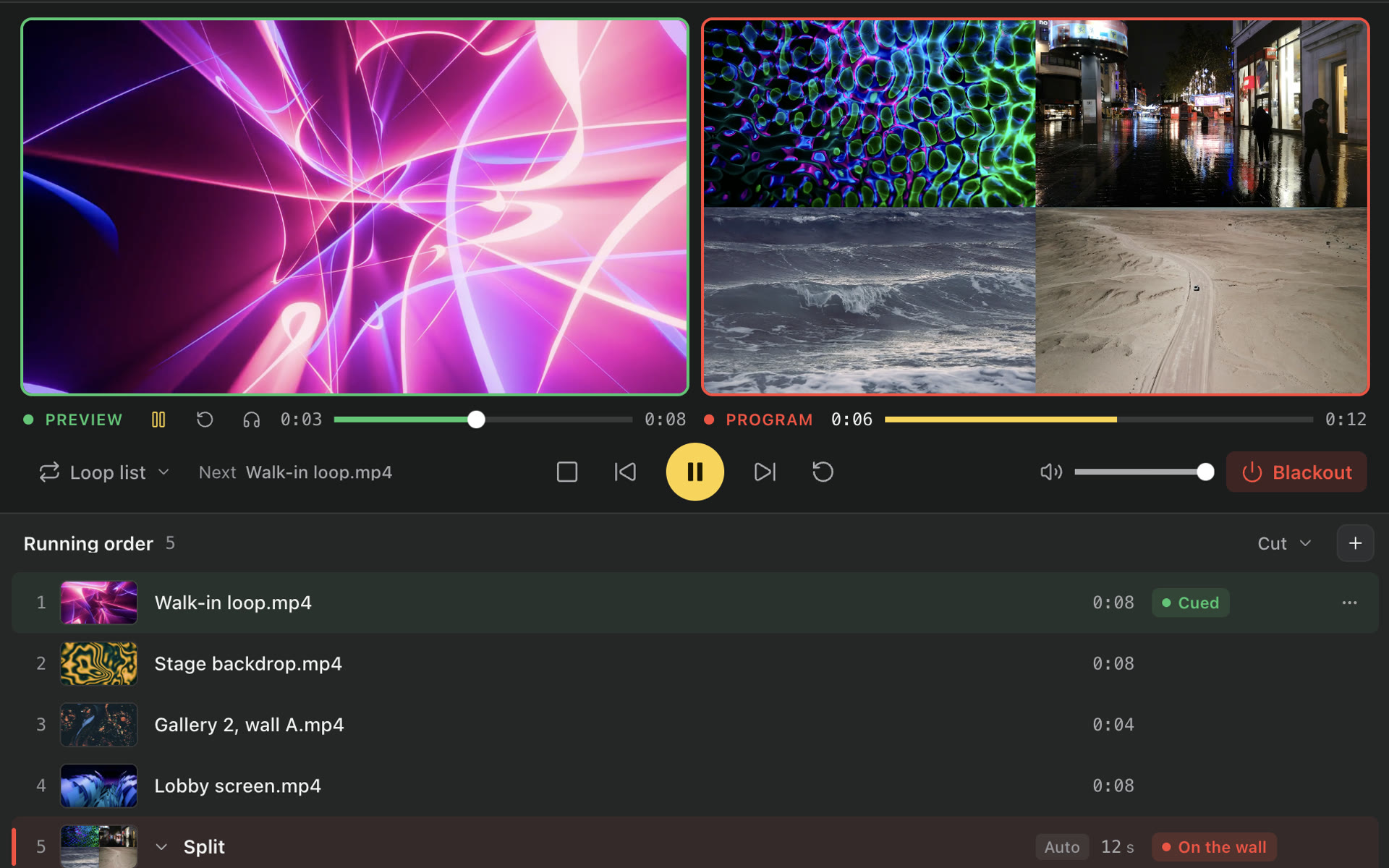
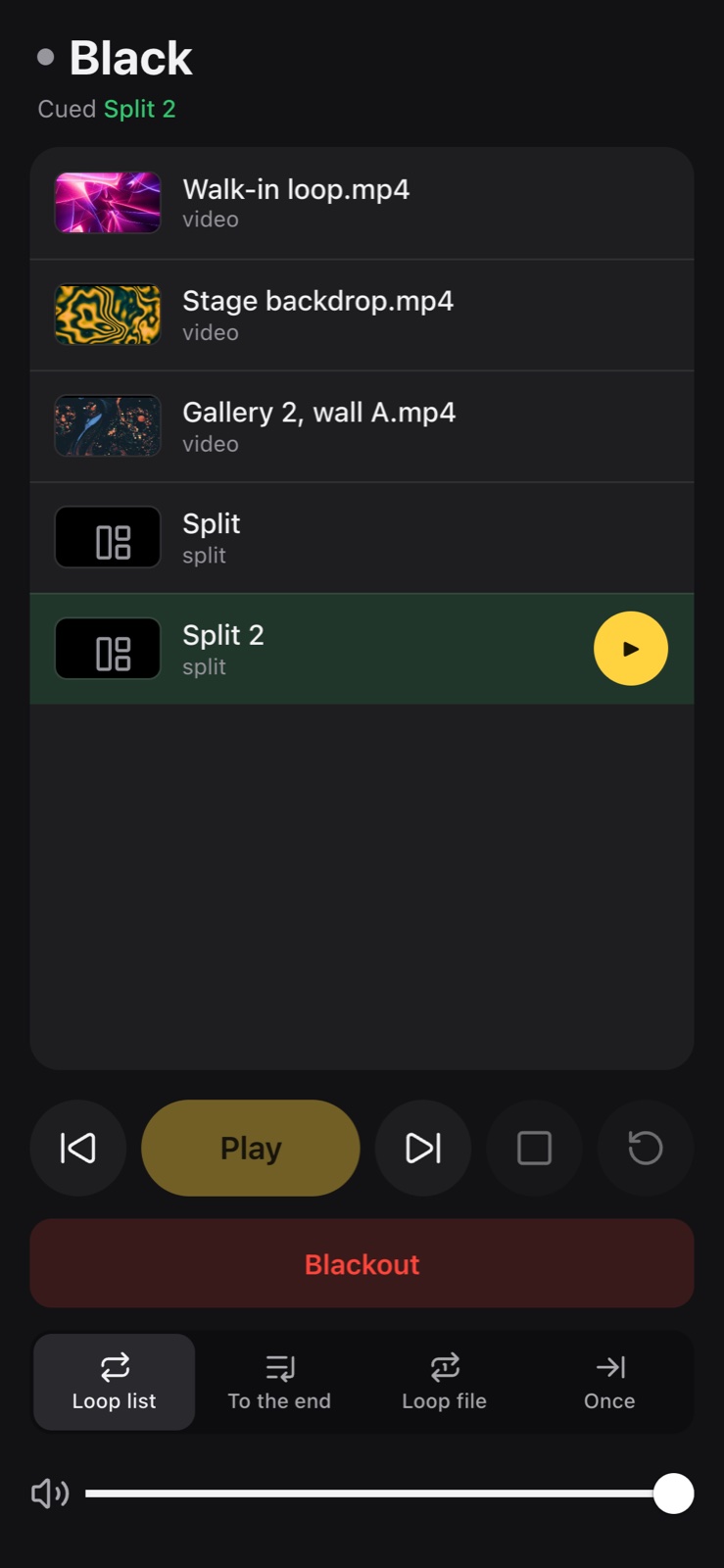
Click to cue in Preview. Double-click to take it to Program. Nothing reaches the wall until you take it.

  • Preview and Program side by side
  • Cut or dissolve, per file
  • Loop file, loop list, play once
  • Blackout
Preview and Program side by side, with the running order below
New in 2

Split screen.

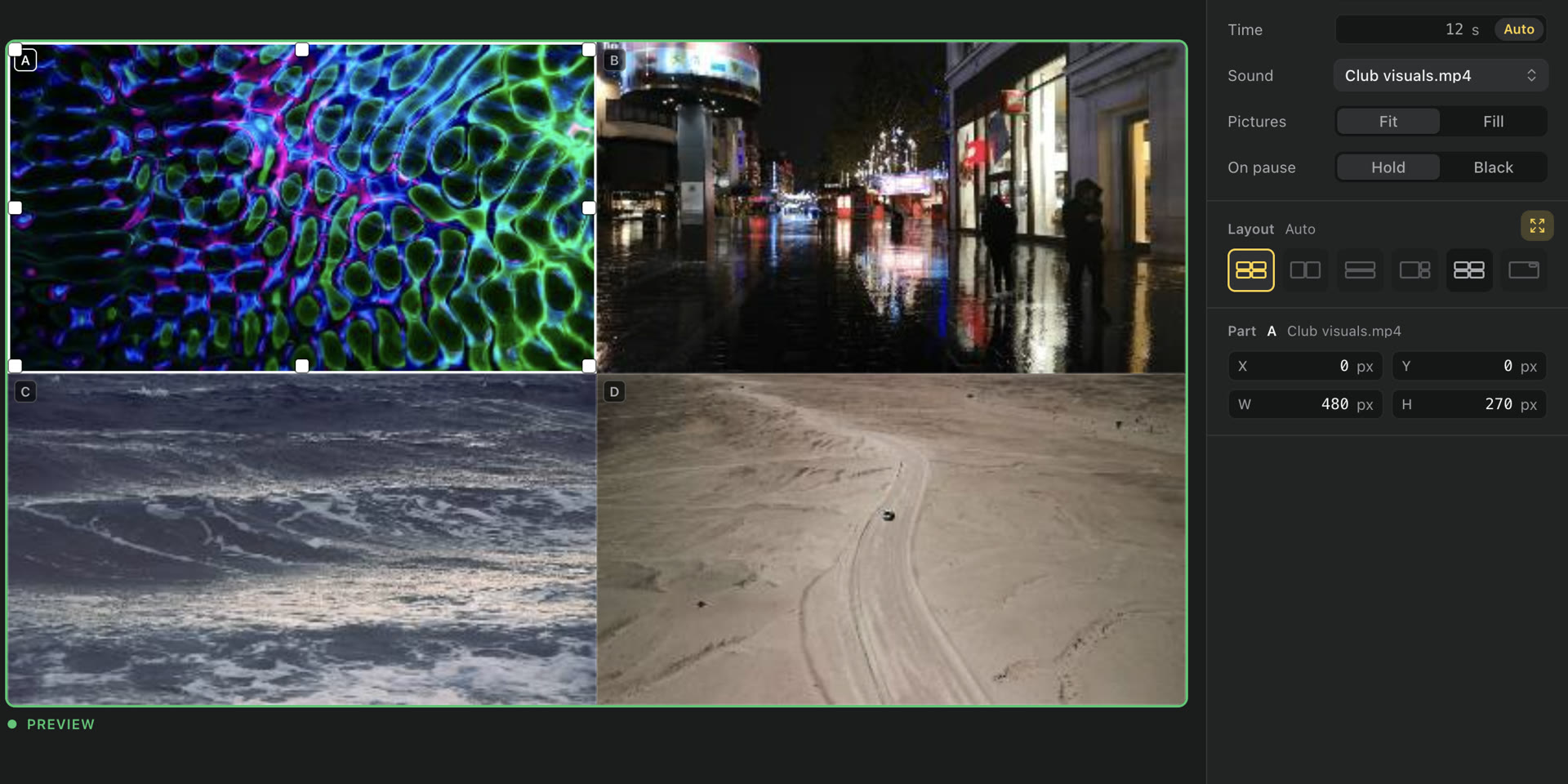
Up to six files on one wall, in a ready layout or your own. The row above is the layer above.

  • Auto, grid and picture-in-picture layouts
  • Custom layouts, drawn by hand
  • Fit or fill, per file
  • Live inputs and web pages, as parts
  • A second wall
A split of four files in the big Preview, with its layouts beside it
Live

Live results, scores, anything on the web.

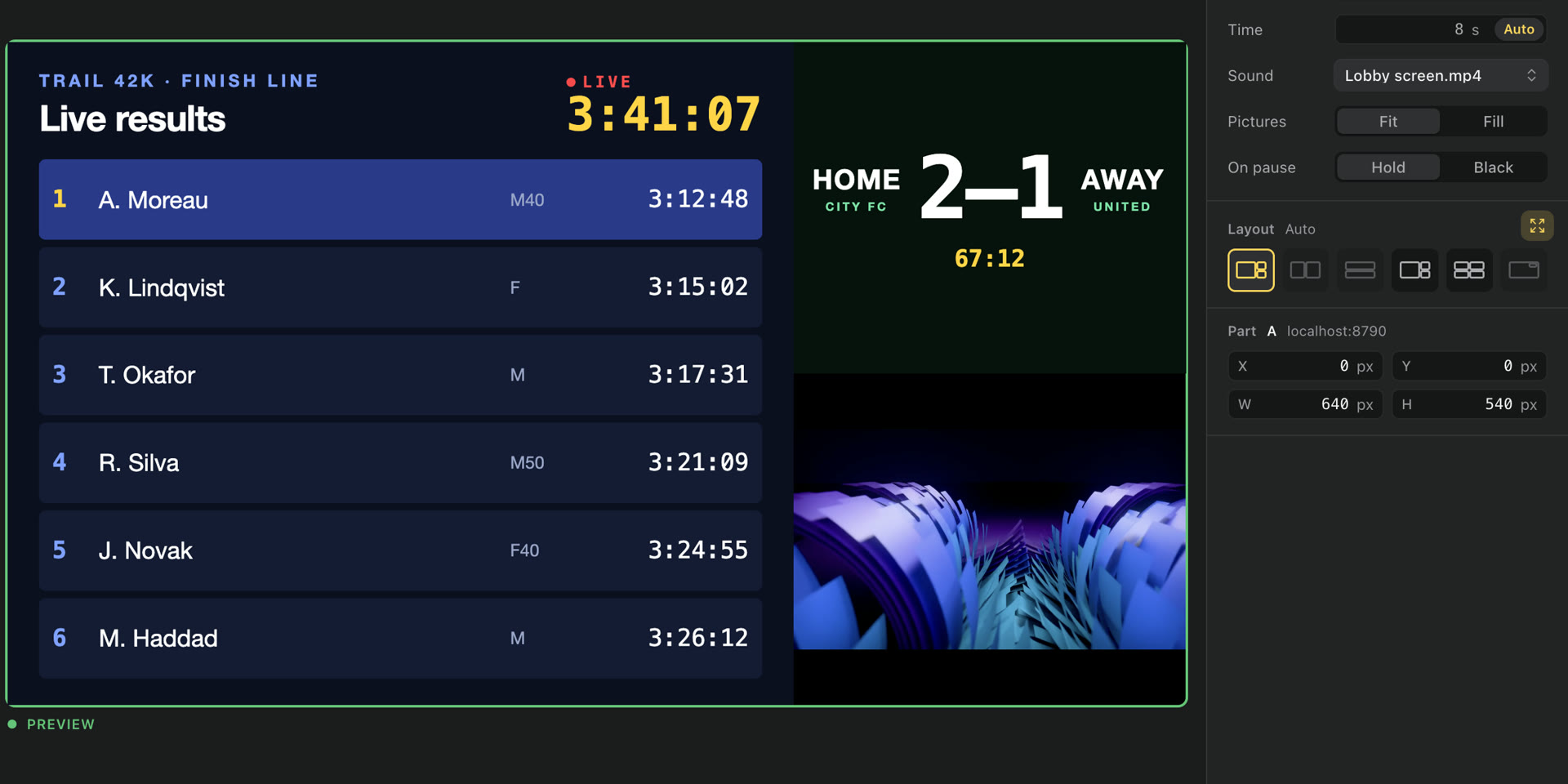
Put a web page on the wall like a film: race timing, a scoreboard, a social wall, a clock. It stays live, beside your films.

  • Any web address, full screen or in a split
  • Live results and scoreboards
  • Social walls, clocks and dashboards
  • Cameras and capture cards, live
A split on the wall: live race results, a football score and a film, side by side
Hours

Scheduled playback.

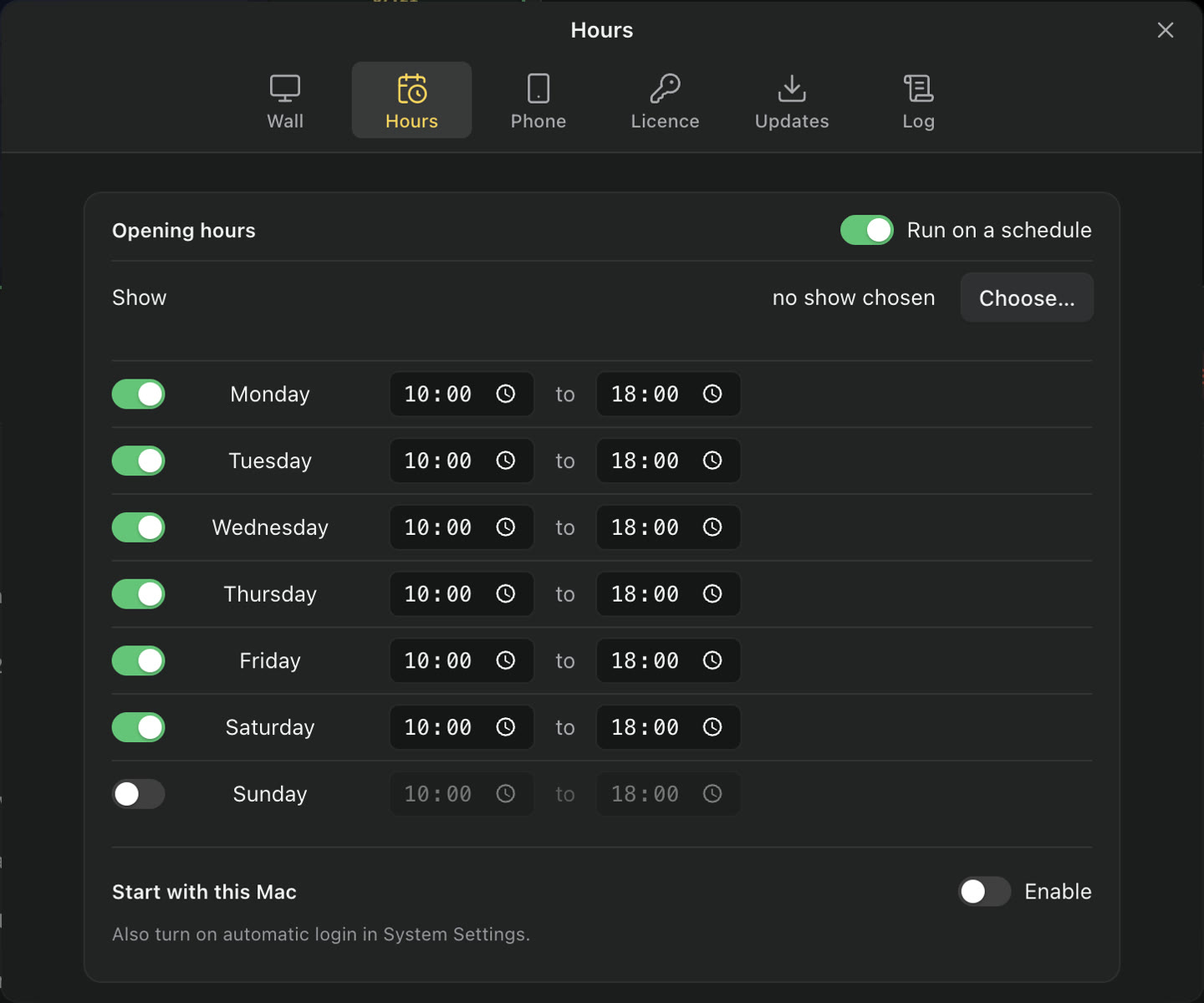
A show for each day and time. Starts and stops on its own, every day.

  • Opening hours, per day
  • Starts with the Mac
  • Picks up after a restart
Opening hours: Monday to Saturday, ten to six
Phone

Phone remote.

Scan the QR code, enter the PIN. Same Wi-Fi, no app to install.

  • Running order, cue and take
  • Blackout, loop and volume
  • 6-digit PIN
The phone remote: the running order and the transport
Prepare

One-click transcoding.

Files a Mac can’t play smoothly are flagged before the show. Prepare makes a copy that will.

ProResH.264
DTS · AC-3AAC
AlphaVP9, kept

And the rest.

Up to 4KH.264, HEVC, VP9, AV1 and stills.
SubtitlesEmbedded or .srt.
Playlists are filesOpen, save and share them.
ProjectorFound on its own, hot-plug.
Live inputCamera or capture card.
Web pagesA clock, a feed, a page.
OfflineNo account, no login.
UpdatesInstalled on quit, never mid-show.

Pricing.

Buy once, keep it. Every 2.x update included.

Free

$0
  • 3 playlists of 3 files
  • Preview and Program, splits
  • An hour per launch
  • Scheduled playback
  • Phone remote
  • Second wall
  • Commercial use
Download

£39 · €45 · tax where it applies. Bought Playery 1? Your key works in 2.

Download Playery.

Free to try. Signed and notarized by Apple.